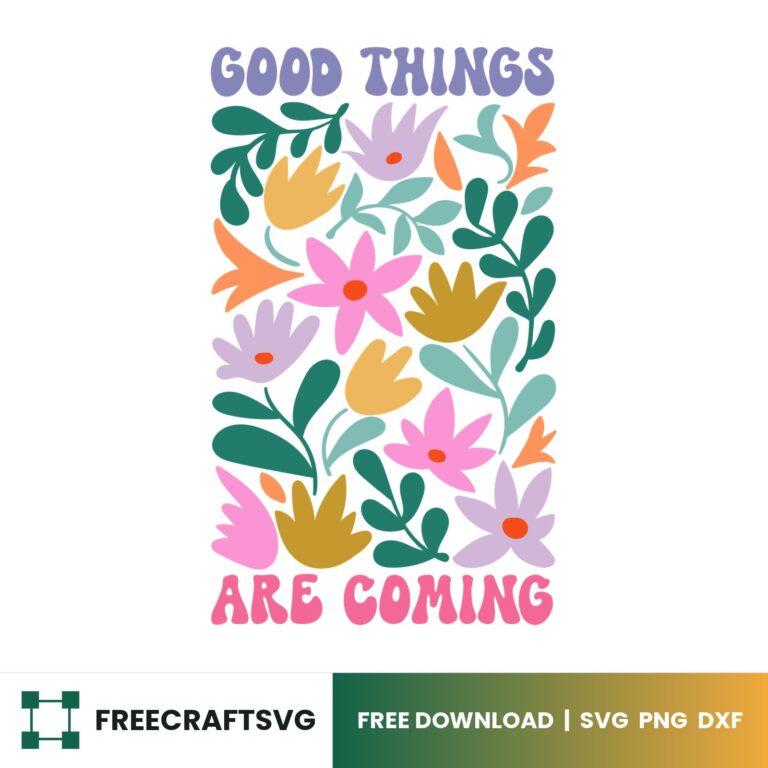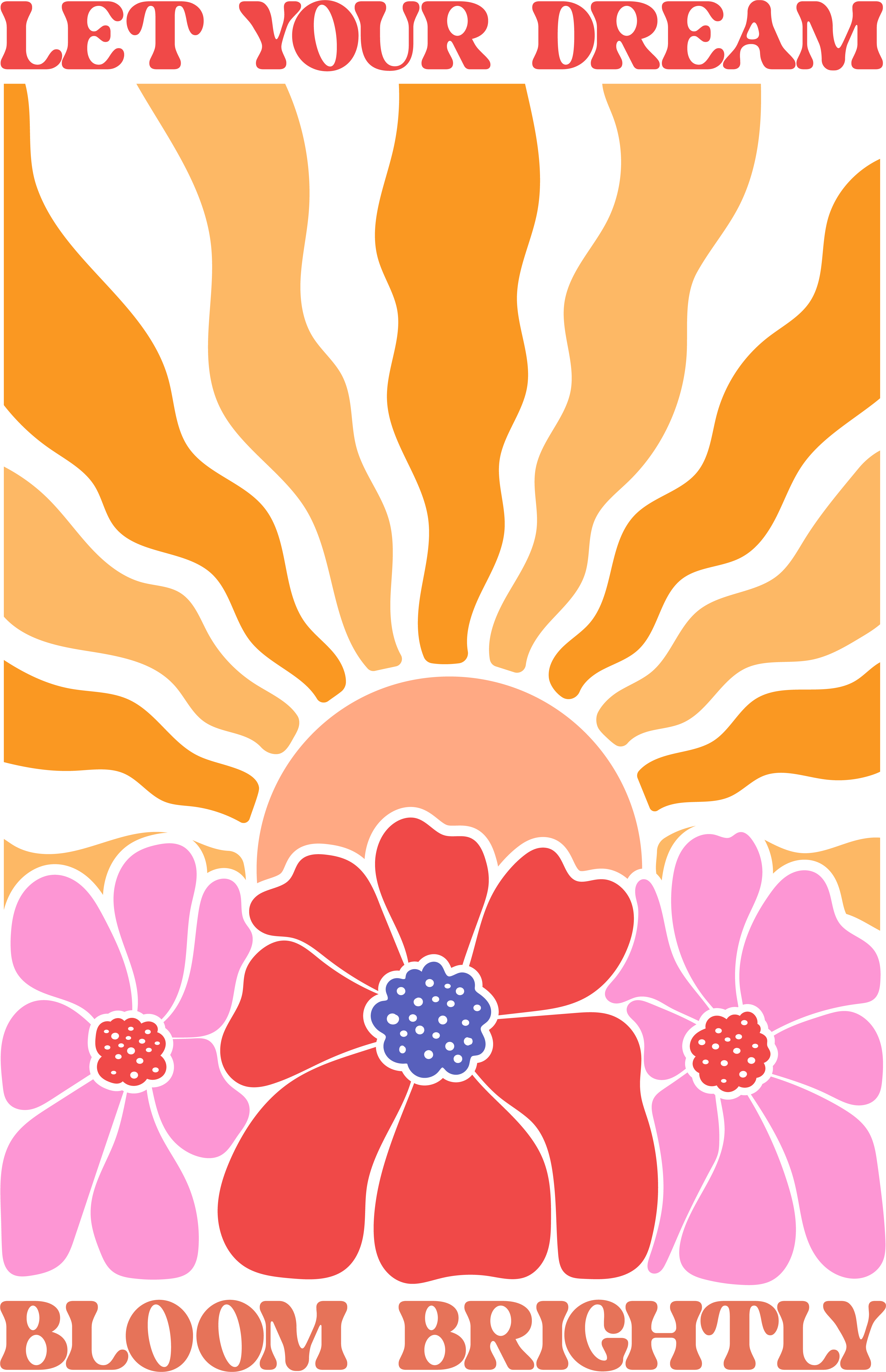
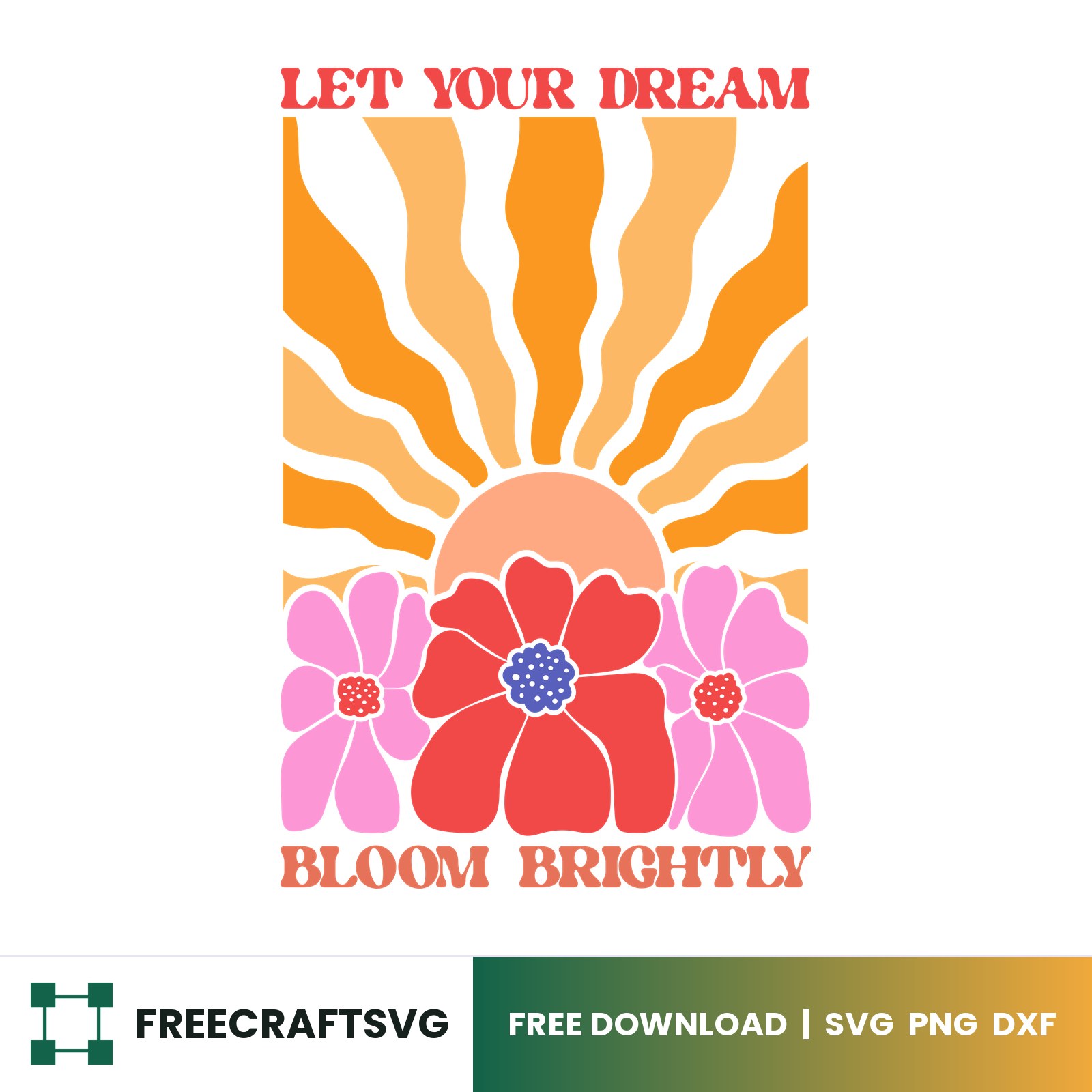
Let Your Dream Bloom Brightly Boho SVG
Let Your Dream Bloom Brightly Boho SVG is a free cut file for Cricut and Silhouette. No account, no email — just download and cut.
The ZIP has SVG, PNG and DXF inside. Not sure which one you need? It is explained below.
Which file should I use?
- SVG — for Cricut Design Space, Silhouette Studio Designer Edition, and most cutting machines.
- PNG — for sublimation, print-on-demand and printable projects. Transparent background, 300 DPI.
- DXF — for Silhouette Studio Basic Edition – the free version, which cannot open SVG files.
Using the free Silhouette Studio Basic Edition? Take the DXF — Basic Edition cannot open SVG at all.
How to use it
- Download the ZIP and unzip it on your computer.
- Open Cricut Design Space or Silhouette Studio and start a new project.
- Click Upload, choose the SVG (or the DXF in Silhouette Basic Edition), and add it to your canvas.
- Resize it to your material, then cut.
Step-by-step with pictures: how to upload an SVG to Cricut Design Space.
Licence
Free to use, and free to sell the physical things you make with it – including work for clients. Please do not resell or redistribute the file itself. Full terms here.